Notes and Wikilinks
A markdown notebook that links to itself — and to your research, documents and knowledge.
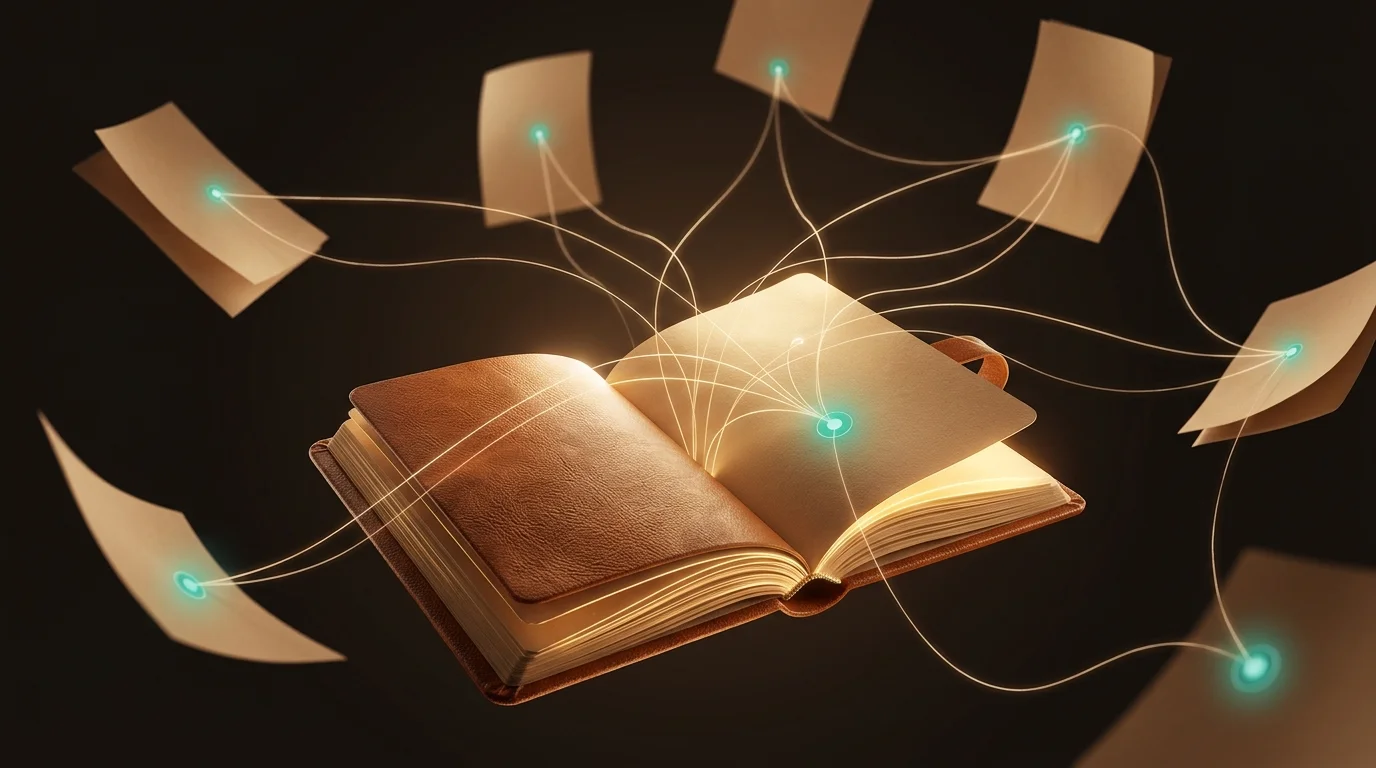
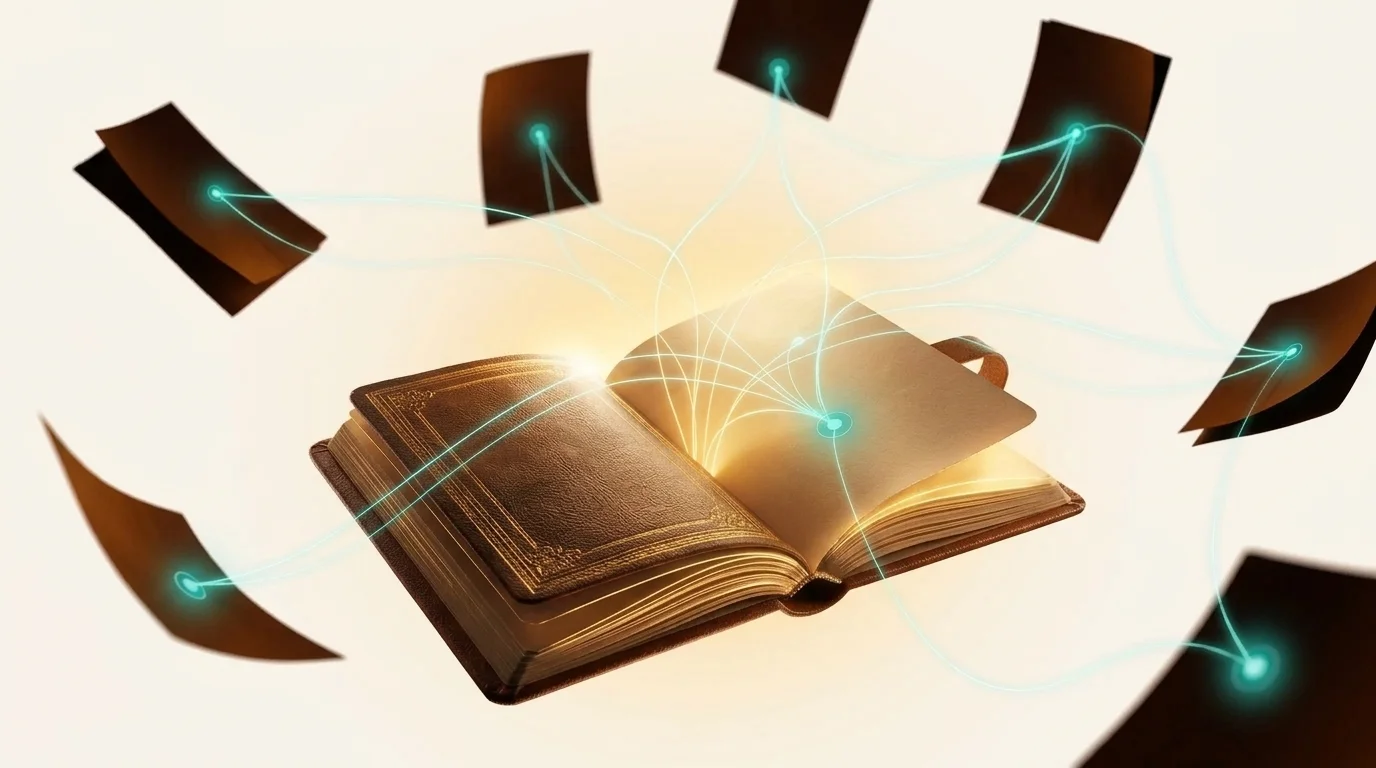
Research produces documents. Thinking produces notes. LumaVista keeps both, in the same place, linked to each other.
Notes are plain markdown. No proprietary block format, no database rows pretending to be paragraphs — text you could open in any editor, with the structure carried by the markdown itself.
Writing
The editor is markdown with the friction taken out. Formatting shortcuts do what you expect, a toolbar covers the things nobody remembers the syntax for, and a cheat sheet is one click away rather than in a help article.
Checkboxes are live: - [ ] renders as something you can click, and clicking it cycles the state in the underlying markdown. Your to-do list is a to-do list and also still text.
Paste an image and it uploads, encrypted like everything else, and is referenced from the note.
Every note keeps its history. Open any earlier version, compare, restore. This is not a backup feature you hope never to use — it is the thing that lets you delete a paragraph decisively instead of leaving it in “just in case.”
Linking
Type [[ and start naming something. Autocomplete offers what you already have; pick one and the link is made. If the target does not exist yet, the link still works — it becomes a note the moment you follow it.
That last part is the whole point. You write the link when the thought occurs, not after you have created somewhere for it to point.
Backlinks
Every note shows what links to it. You do not maintain this, and you cannot forget to — it is derived from the links themselves.
Backlinks are how a set of notes becomes a structure without anyone designing one. You write about a topic six times over three months, each time linking a concept you first defined in March, and that March note quietly accumulates a map of everything that turned out to depend on it.
Beyond notes
Wikilinks are not limited to notes. Link a research project, a document in your library, or a piece of knowledge from your palace, and the link resolves to the thing itself.
This is where a notebook stops being separate from the research. A note about a decision can point directly at the report that informed it and the source underneath that — not a copied-out quote that goes stale, the actual evidence.
Finding
Quick switcher jumps to any note by name — start typing, hit enter.
Folders give notes a place to live. Browse and create them from the folder icon in the notes breadcrumb; a new note lands in whichever folder you are viewing. To refile a note, open it and use Move to folder in the editor header — pick a folder, or All Notes to take it back to the top level. Deleting a folder never deletes its notes: they move to the top level. Folders and tags are independent — a note sits in one folder and can carry any number of tags.
Templates cover notes you write repeatedly in the same shape; start from one rather than from an empty page and the same headings show up every time, which is what makes a set of meeting notes comparable rather than merely numerous.
Notes are searchable alongside your documents, so a search does not require you to remember whether something was a note you wrote or a document you uploaded.
Notes and the rest of LumaVista
- Chat can write to them. Ask for something worth keeping and it can be saved to a note without leaving the conversation — see Human-in-the-Loop.
- Workflows can write to them. An automation that runs weekly can append to a running note rather than emitting something you have to file.
- Recordings can become them. See Recording and Transcribing.
- Knowledge is extracted from them. What you write is established knowledge like anything else, with the note as its source.
Exporting
Any note exports as markdown. Because it was markdown, the export is the file rather than a rendering of it — what you wrote, byte for byte, with your wikilinks intact.
Related
- Your Knowledge Palace — where what you write becomes knowledge that sharpens later questions
- Recording and Transcribing — the other way material gets in