Your data, your keys
LumaVista encrypts your research data under an account key made on your device. While you are signed in, our servers process your content so the AI can work with it. While you are signed out, our servers cannot open your account, except an always-on space if you switch one on. This page describes an account with encryption set up.
Device-controlled encryption
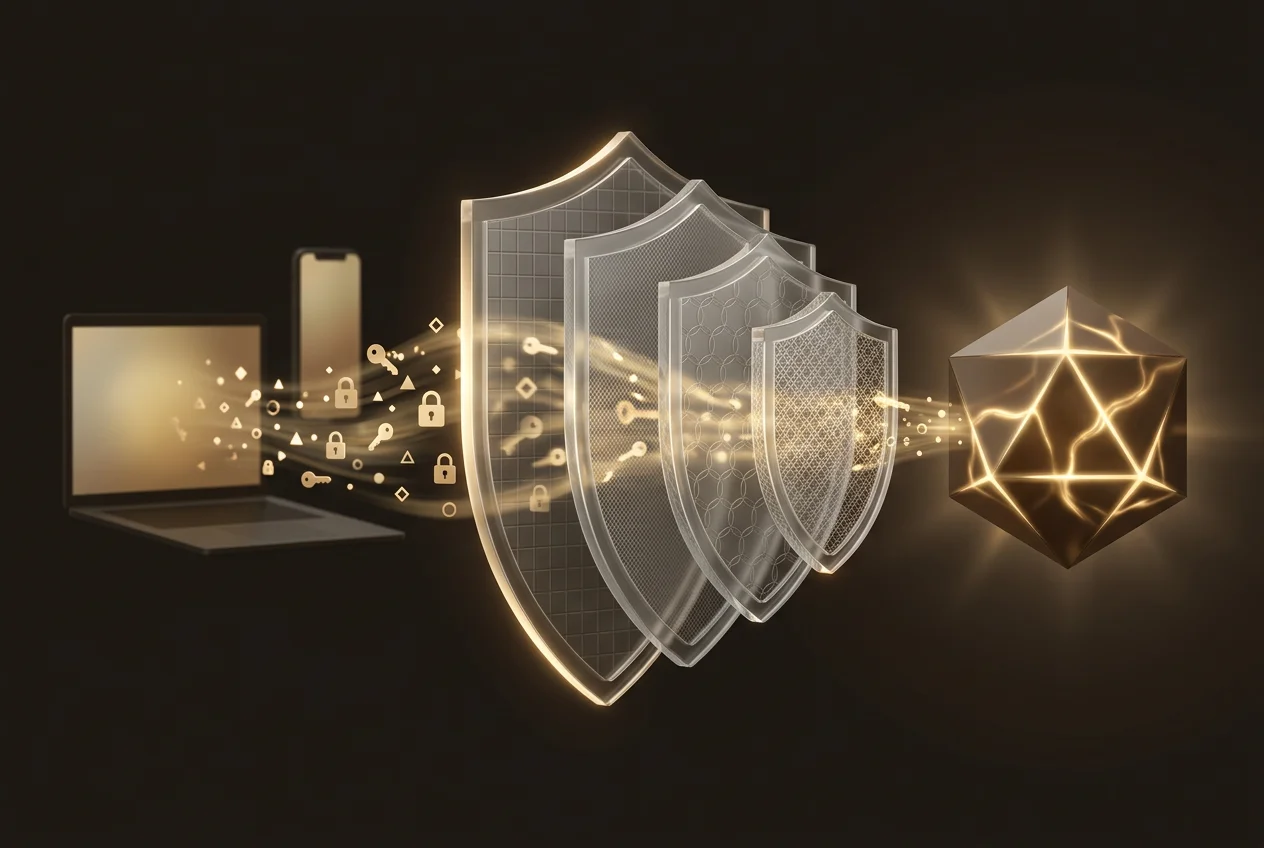
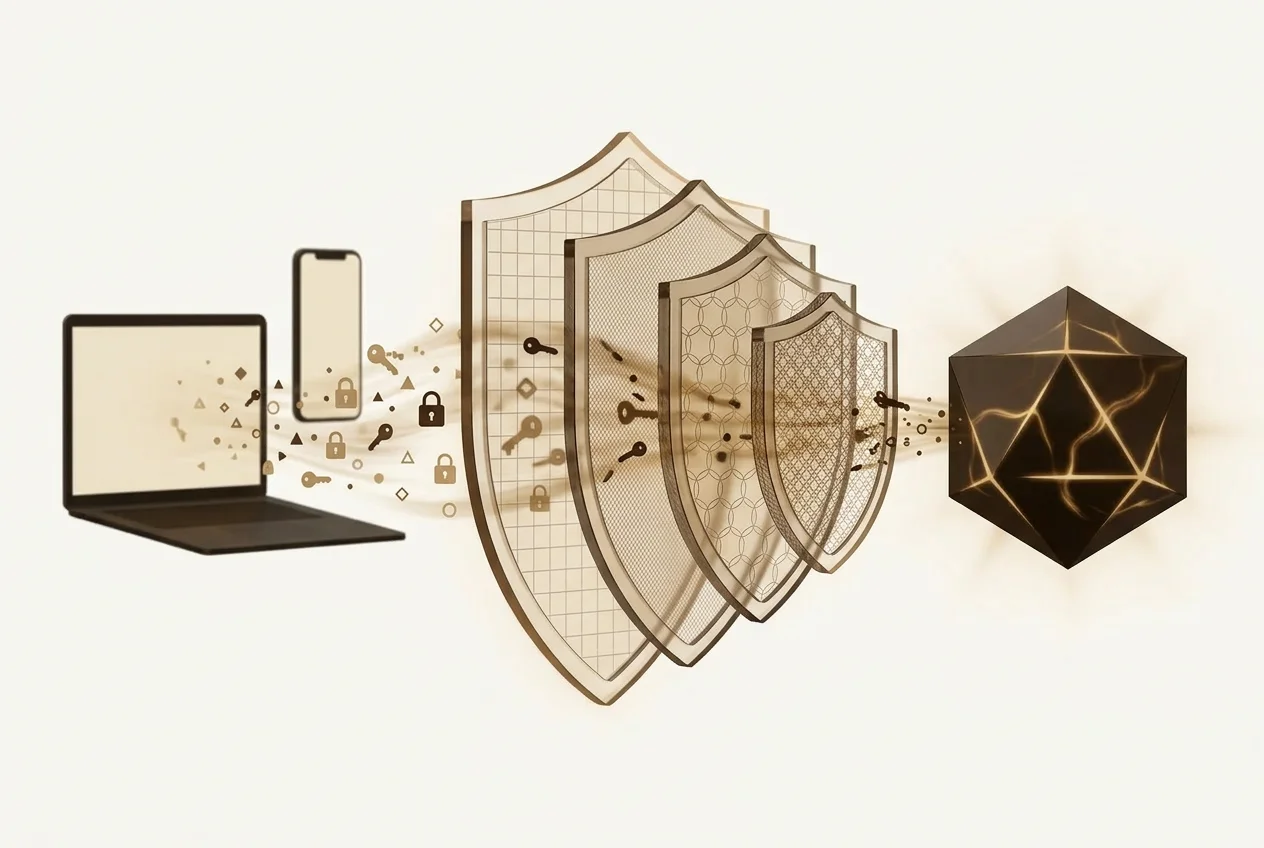
When you create your account, a unique encryption key is generated on your device. This key never leaves your device in plaintext. It protects a master key that encrypts all your data — research graphs, memories, documents, and settings — using AES-256-GCM, the same standard used by governments and financial institutions.
Each enrolled device receives its own wrapped copy of your master key. We keep no copy of your account key and no escrow of it. While you are signed out, no server, employee, or backup system of ours can open your account without your device present and authenticated, except an always-on space you switch on.2
During an active session, decryption keys are held in server memory so our AI agents can process your research. When your session ends, shortly after you disconnect or when it expires, the session's key material is wiped from memory.
AI safety pipeline
Your research queries pass through multiple protective layers before and after AI processing:
Sensitivity classification
Every query is automatically classified by sensitivity level. Credentials, personal identifiers, and proprietary patterns are detected before your data reaches any AI model.
See the classification framework →Model trust matching
Each AI model is assigned a trust tier. Your data is routed only to models that meet the required clearance for its sensitivity level. Highly sensitive data never leaves your infrastructure.
How we pick models →Outbound redaction
AI-generated reports are scanned for inadvertently leaked credentials, PII, or sensitive patterns. Detected content is automatically redacted before the report reaches you.
No model training
AI providers are contractually prohibited from using your queries or data to train their models. Your research remains yours.
Per-user data isolation
Your data lives in its own encrypted databases — completely separate from every other user. There is no shared data store where user content could accidentally mix. Each user gets isolated, encrypted storage for settings, memory, and each research project.
This architecture means GDPR deletion is absolute. When you delete your account, your entire data directory is removed. Because it's encrypted with your keys, there's no residual plaintext anywhere in our systems.
Deletion survives a restore
Deleting your account removes your live data straight away. Copies that persist in encrypted backups and rotating logs age out within thirty days, which is the outer limit the GDPR allows and the commitment stated in our privacy policy. Nobody can honestly promise that every last copy vanishes the same second, so we tell you what the window is and what protects you inside it.
Every erasure is written as a marker that identifies no one — no name, no address, no content — and that list is shipped off-site separately from the backups themselves. When a backup is restored, a reconciliation step replays it and re-erases everyone deleted after that backup was taken. Restoring an old backup therefore cannot bring a deleted account back.
The step is fail-closed: if a single erasure cannot be replayed, the restore is aborted rather than reported as finished. We would rather stop a recovery than complete one that quietly resurrects someone who asked to be forgotten.
Recovery without backdoors
We don't hold a master key to your data. Recovery is designed around trust anchors you control:
- Multiple devices: enroll more than one device as trust anchors. If you lose one, the other can restore access.
- Printed recovery code: a QR code you print and store securely, protected by a password you choose.
- Organization escrow — shared workspaces only: an organization can enable escrow on a shared team workspace so its own owners can recover that workspace's key. The escrow private key is generated in the browser and stored only in copies wrapped to those owners' devices — we never hold a usable copy — and it does not cover a member's personal account.
If all recovery methods are lost, your data is irrecoverable. This is by design. While you are signed out, the content of your encrypted account is closed to us, with two exceptions, both described below: an always-on space you switched on, and older workflow data that has not yet moved under your own key. Switching a space on is your authorization, for that one space only.3
Always-on spaces
An always-on space is an optional workspace with a single owner. It exists so your automations can keep running while you are signed out. It is off unless you switch it on, and switching it on records your acknowledgement. You choose what goes into it: only you can move notes, tasks, documents and research there from your Private area, and bind workflows to it. It is not your Private area.
For that one space our servers keep a wrapped key, so they can open it to run your automations while you are away. Each opening goes through a separate key service. That service releases the key only for a purpose registered for that space, such as a run of one of its workflows. It limits how often it does so, and it accepts requests only over mutual TLS.1
What that separation protects against today, stated exactly: a copy of our application servers cannot open a space, and a copy of our database volumes cannot open one either. A full disk image of the database server can. We do not claim more than that.
Each opening is written to the space's access log, which you can read in Settings. We keep the log for 12 months.
Switch the space off and no new opening is possible. Our key for it is then destroyed, and the app shows this until it is done. The content stays in your account, closed to us while you are signed out.
Always-on spaces are available on the Standard plan and above. In an organisation, an admin can deny them, but can never switch one on for you. Workspace snapshots and legal holds are not available for a space.
One older exception sits outside the space. Workflow data created before our October 2026 custody change moves under your own key the next time you sign in; until then our servers can still open it.
Deciding whether you need one? Read Private area or always-on space.
If a court comes asking
We hold no copy of your account key and no escrow of it, so there is a category of demand we simply cannot satisfy: nobody can order us to open the content of your Private area while you are signed out, because we hold no key to it, apart from the older workflow data described above. That is the whole point of putting the key on your device, and it is the reason it is worth the inconvenience when you lose one.
The exception is the one you choose. A court can order us to open an always-on space. While you are signed out, the rest of your encrypted account's content is closed to us: we hold no key to it, apart from older workflow data that has not yet moved under your own key. If we are ever made to open a space, we record it in that space's access log, unless the law forbids us to.
The honest counterpart, which most privacy pages leave out: moving the key to your device also moves the legal pressure to you. Several countries can compel the person holding a key to disclose it. In the United Kingdom, for example, Part III of the Regulation of Investigatory Powers Act 2000 allows a notice requiring disclosure of a key or of the decrypted material, and refusing carries a criminal penalty. Device-held encryption is a protection against us — against a provider changing its mind, being acquired, or being leaned on. It is not a shield against your own jurisdiction, and we would rather say so than let you assume otherwise.
If we ever receive a legally binding order concerning your data, our position is to disclose what we lawfully can, to the extent the order permits — LumaVista is a Spanish company and we refer authorities outside the EU to the routes EU law recognises. What we cannot do is more useful to you than what we promise: an unlocked session processes your content, a locked account outside an always-on space is ciphertext to us apart from that older workflow data, and that gap is architectural rather than a policy we could quietly revise.
None of this is legal advice. We are describing how our system is built and naming one statute as a worked example, not advising you on your own position — jurisdictions differ, the law moves, and the UK example above may not resemble yours at all. If you handle material where the answer matters, ask a lawyer who knows your jurisdiction rather than a software company that knows its own architecture.
Infrastructure
- All servers located in the European Union — sovereignty, not just residency
- TLS encryption for all data in transit
- No third-party advertising trackers
- Security-relevant events logged with tamper-evident audit trail
- Standard Contractual Clauses where a transfer needs them, and the EU adequacy decision for Switzerland
Want the full technical details?
Read our Security Whitepaper →