From Your Laptop to a 2.8-Trillion-Parameter Model: What Running Open-Source AI Actually Costs
By Gösta von Stebut
Researched and drafted with LumaVista. The argument, the edits and every claim are mine. Colophon
In mid-July, Moonshot released Kimi K3 — 2.8 trillion parameters, open weights, a million-token context window, and benchmark scores that place it third on Artificial Analysis’s Intelligence Index — behind only Claude Fable 5 and GPT-5.6 Sol, comparable to Claude Opus 4.8. The weights went fully public on July 27. Anyone can download them. No license negotiation, no API gatekeeper, no usage caps.
So you could run it yourself. In the same sense that you could, technically, land a 747 — the aircraft is available and the physics are known.
Here’s the thing nobody puts on the download page: “you can run open-source models locally” is one of the most misleading true sentences in tech. It collapses a thousand-fold range of hardware into a single reassuring phrase. On one end, a genuinely useful model runs on the laptop already open in front of you, for zero extra euros. On the other, running Kimi K3 at full quality takes a cluster of 64 datacenter GPUs, close to two million euros of silicon, and a power bill that would embarrass a small factory. Both are “open source.” Both are “running it locally.” They are not remotely the same activity.
This article climbs that ladder honestly, rung by rung, and prices each one — not just the hardware, but the electricity and the infrastructure nobody mentions until the first bill arrives. By the top, you’ll see why the answer for almost every organization isn’t “own the frontier” or “give up on it.” It’s something in between.
Prefer to watch? This article is now a 13-minute film with real screen captures — in two cuts: the narrated film or the interview version. Same ladder, same numbers.
The ladder has four rungs, and they’re 1000x apart
The reason “run it locally” means so little is that the models people casually lump together span three orders of magnitude in size. What you can run is entirely a question of memory — how many billions of parameters you can hold in fast storage at once. So the ladder is really a memory ladder, and it has four honest rungs.
Rung one — the laptop you already own. With 8 to 16 GB of memory and no special hardware, you can run models in the 3-to-8-billion-parameter range: Qwen3 8B, Llama 3.3 8B, Phi-4-mini, Gemma 4 4B. Quantized down to 4 bits, an 8B model needs about 5 GB and runs on a MacBook or a mid-range Windows laptop through Ollama or LM Studio. It’ll draft an email, summarize a document, answer questions, help with code. The cost is zero — you already own the machine, and the power draw is a rounding error. This rung is real, and for a surprising share of everyday work it’s genuinely enough.
Rung two — the enthusiast box. One good GPU with 24 GB of memory (an RTX 4090 or 5090), or a Mac with 64 to 128 GB of unified memory, moves you into the 14-to-70-billion range. This is where 2026’s open models get seriously good. Qwen 3.6 27B — the current open coding flagship, dense enough to out-score some models more than ten times its size on coding benchmarks — fits in about 17 GB at 4-bit and runs around 40 tokens per second on a 4090. Kimi’s own K2.7 Code variant fits on a single 24 GB card. You’re now looking at a real coding assistant and a capable local research tool. The cost is a €3,000-to-€6,000 machine and the electricity of a couple of bright light bulbs while it’s working.
Rung three — the serious rig. Two to eight GPUs, 48 to 192 GB of combined memory, gets you into the 100-to-400-billion class: Qwen3-235B (with 22B active), Llama 4 Maverick, and the heavily quantized end of the giants. Somewhere on this rung, the character of the project changes. You’re no longer buying a computer; you’re building infrastructure. Multiple power supplies, a dedicated electrical circuit, real cooling, and a chassis that sounds like a hair dryer. Budget €15,000 to €55,000, plus the first serious electricity bill and the realization that this thing needs a room, not a desk.
Rung four — the open frontier. This is Kimi K3, DeepSeek V4-Pro, Qwen 3.5 397B, GLM-5.2 — the trillion-parameter mixture-of-experts models that actually compete with the best closed systems. And this rung isn’t a bigger rig. It’s a datacenter. We’ll spend the rest of the article here, because this is where the honest accounting gets interesting — and where the intuition everyone brings from rungs one through three quietly breaks.
The mixture-of-experts trap: 1.8% of the work, 100% of the bill
Here’s the detail that fools almost everyone, including people who should know better.
Kimi K3 is a mixture-of-experts model. It has 896 “experts” — specialized sub-networks — but for any given token it only activates 16 of them. That’s about 1.8% of the model firing at any moment. In compute terms, generating text with K3 costs about what a 50-billion-parameter model costs, not what a 2.8-trillion one would. Sparsity is the whole trick behind the recent wave of open frontier models: it’s how a Chinese lab under export controls gets frontier quality without frontier-sized compute per token.
So the natural conclusion is: great, it computes like a 50B model, so it should fit like one. Maybe a couple of GPUs.
No. And this is the trap. The 1.8% is which experts do the math. It says nothing about which experts have to be in the room. You can’t predict in advance which 16 of the 896 experts any given token will need — routing is dynamic, decided token by token. So every expert has to be resident in memory, loaded and ready, all the time. You pay the compute of a 50B model and the memory bill of a 2.8-trillion one, simultaneously.


Let’s do that memory math out loud, because it’s the number the entire economic argument rests on. Kimi K3’s weights, squeezed down to the aggressive MXFP4 4-bit format the team ships, come to about 1.6 terabytes on disk. At full 16-bit precision it’s about 5.6 TB. A terabyte and a half of weights that all have to sit in memory fast enough to feed the GPUs — that’s not a workstation part. Moonshot’s own serving guidance points at a supernode with 64 or more accelerators. The practical floor people are landing on: eight nodes of eight 80 GB GPUs each — 64 GPUs, about 5.1 TB of aggregate GPU memory, leaving headroom for the KV-cache that a million-token context demands and the activations that flow through during inference.
And here’s the part that makes this structural rather than a Kimi quirk: DeepSeek V4-Pro is 1.6 trillion parameters at 3.1% sparsity. Qwen ships a 397-billion model. GLM-5.2 sits up there too. Every open model good enough to matter at the frontier has the same shape — sparse compute, enormous memory — because that shape is exactly what buys the benchmark scores. You don’t get to opt out of the 1.6-TB problem by picking a different frontier model. They all cost a datacenter.
The costs that never make it onto the spec sheet
Sixty-four H100-class GPUs run about €23,000 to €28,000 each on the street. That’s north of €1.6 million in GPUs alone, before the servers that hold them, the InfiniBand fabric that lets them talk to each other fast enough to act as one machine, the storage, and the racks. Call it comfortably over €2 million to stand up a single cluster that can serve one frontier model.
That’s the number people expect to be big. It’s the ones that follow that quietly break the budget.
Power. An H100 draws around 700 watts flat out. Sixty-four of them is about 45 kilowatts of GPU draw, and once you add the CPUs, network cards, and cooling fans in eight full nodes you’re realistically pulling 65 to 80 kilowatts, continuously, as long as the model is live. Run that around the clock for a year and the servers alone burn through roughly 700,000 kilowatt-hours. At typical European commercial electricity rates, that’s on the order of €90,000 to €160,000 a year — and that’s before the cooling to haul all that heat out of the room, which in many facilities adds another 30 to 50% on top. You are, quite literally, spending more than a nice house costs every single year just to keep this thing powered and cool.
Sit with the contrast for a second. That electricity bill — just the power, forget the €2 million of hardware — would buy you several billion tokens a year on Kimi K3’s own API, which charges about €2.75 per million tokens in and €14 out. The cluster has to be running near-continuously at high utilization just to break even against the API on energy alone.
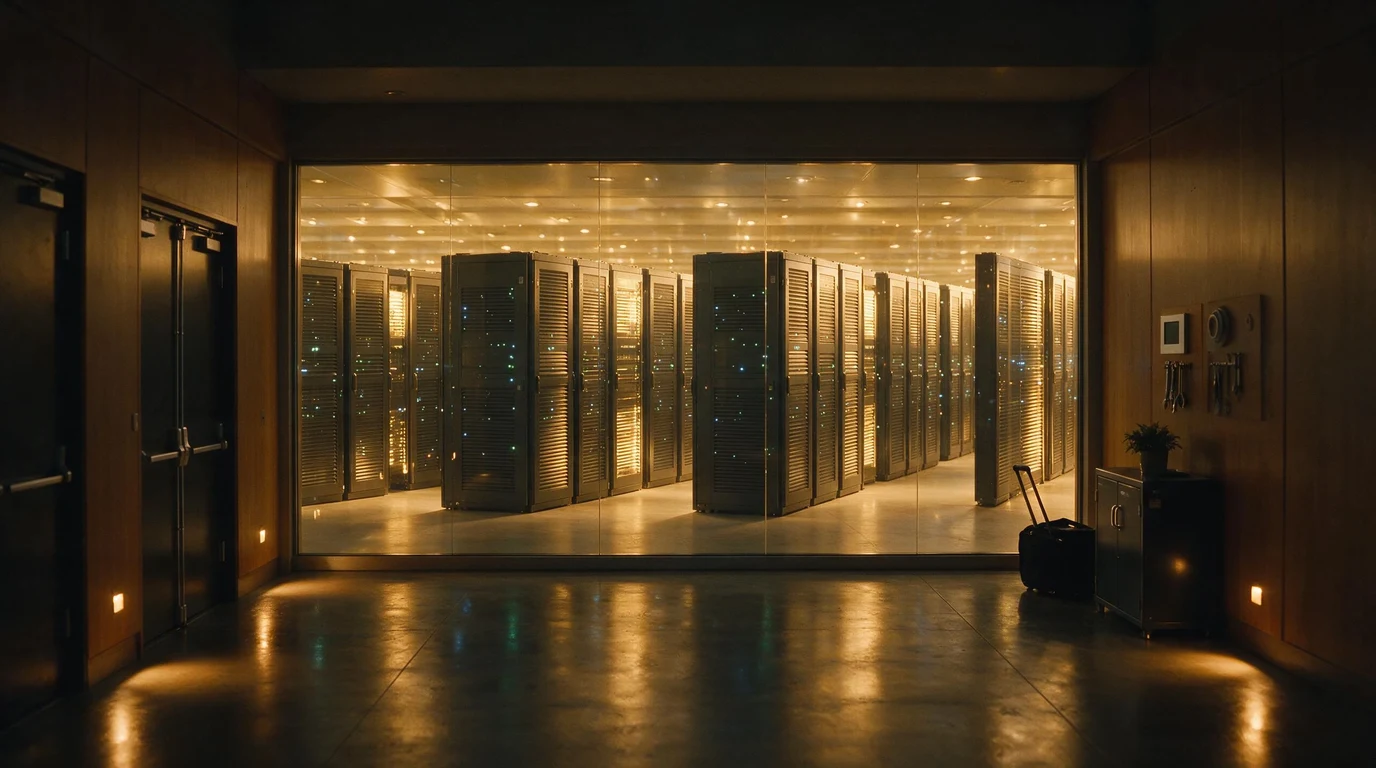
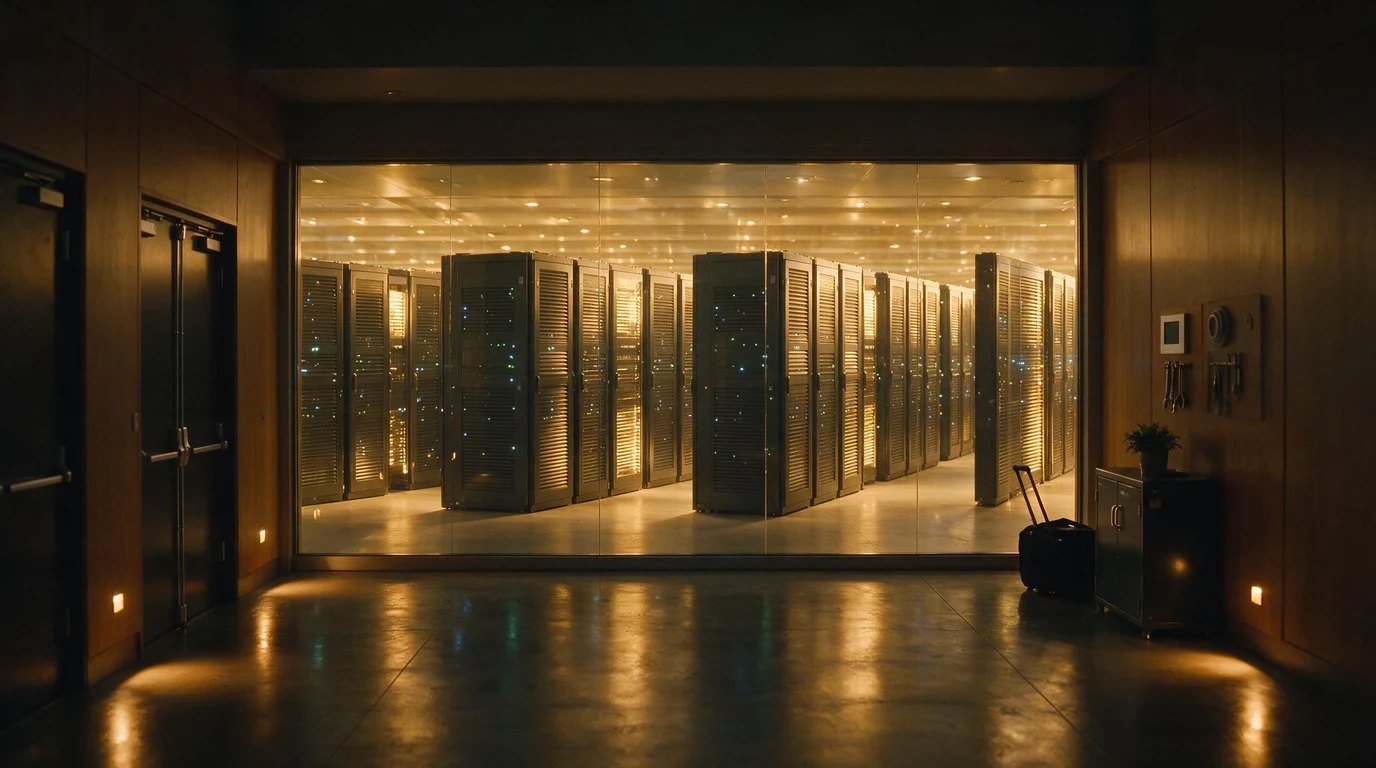
Utilization. Which brings up the cost that’s almost never modeled: idle time. That $2 million cluster costs the same at 3 a.m. serving nobody as it does at 3 p.m. under full load. API pricing and GPU rental are metered — you pay per token or per hour. A cluster you own is a fixed cost you pay whether or not anyone’s using it, and almost no single organization generates enough steady traffic to keep 64 GPUs busy. You bought a factory to make yourself lunch.
The people. Someone has to run this. Multi-node inference across 64 GPUs is not “install Ollama.” It’s tensor and expert parallelism, InfiniBand tuning, quantization tradeoffs, failover when a node dies at 2 a.m., and version upgrades when the next model drops six weeks later. That’s a specialized ops function — a salary line, not a one-time setup.
Depreciation. The hardware is a melting asset. The frontier moves every few weeks now — Kimi K3 is a 732-Elo jump over the previous Kimi in a matter of months. Your $2 million of GPUs is worth meaningfully less the day the next architecture makes it look slow, and the useful life you’re amortizing over is short and shrinking.
So who should actually own the frontier?
Almost nobody. And that’s not a knock on open weights — it’s the opposite. The whole point of open weights is that you’re not locked to one vendor’s cloud, one jurisdiction’s laws, or one company’s pricing whims. The exit exists. The question is how to take it without building a datacenter you can’t keep busy.
For the models on rungs one through three, self-hosting is often exactly right. A single 24 GB GPU running Qwen 3.6 27B for a coding team is cheap, private, and entirely yours. If your work fits the models that fit that hardware — and far more of it does than people assume — you’ve already won: full control, no per-token meter, no data leaving your walls. Match the model to the job instead of reflexively reaching for the biggest number, and rungs one through three cover a huge amount of real work.
The frontier rung is where the calculus flips. When you genuinely need Kimi K3 or DeepSeek V4 — the trillion-parameter tier — owning the metal is the worst of the options for all but a handful of organizations with continuous, massive, and privacy-critical demand. What you actually want is the control open weights give you without the capital and operational sinkhole of the cluster underneath.
That’s the case for sovereign rental: renting dedicated GPU capacity, or using a managed sovereign provider that runs open frontier models on infrastructure in a jurisdiction you choose, under contracts you control, with your data isolated. You get the open-weight exit — no lock-in to a US hyperscaler, no data crossing borders you didn’t consent to — without the $2 million, the 80 kilowatts, the ops team, or the idle 3 a.m. depreciation. It’s the same reason you rent a concert hall for one night instead of building one: you need the capability occasionally, not the building forever. We’ve written before about what self-hosting actually takes, the jurisdiction traps hiding in GPU rental contracts, and why open weights are now good enough to make this a real choice rather than a compromise.
The frontier is open. That’s genuinely new and genuinely important. But “open” means “you can choose how to run it” — and for the top rung, the smart choice is almost never to build the datacenter yourself.
What to do now
- Start by asking which rung your work actually needs. Most tasks — drafting, summarizing, classification, everyday coding — are handled well by rung-one and rung-two models. Don’t price a frontier cluster for a job an 8B model does on a laptop.
- Try the bottom rung for free this week. Install Ollama or LM Studio and pull Qwen3 8B or Llama 3.3 8B. You’ll calibrate your intuition for what small open models can and can’t do faster than any benchmark table will.
- If you need a serious local model, buy one 24 GB GPU, not a rig. Qwen 3.6 27B on a single RTX 4090 or 5090 covers a lot of “serious local” ground for €3,000–€6,000 — private, owned, no meter.
- Before self-hosting anything frontier-class, model the total cost honestly. Hardware plus electricity plus cooling plus ops plus depreciation plus your real utilization rate — not just the GPU sticker price. The sticker is usually the smallest number on the page.
- Compare that total against the API and against sovereign rental for the same model. For most demand profiles, the metered options win on cost and lose nothing on control if the jurisdiction and data-isolation terms are right.
- If control and privacy are the reason you want the frontier — and they’re good reasons — solve for those directly. A managed sovereign deployment gets you jurisdiction control and data isolation without owning depreciating silicon.
- Re-check the landscape every couple of months. The frontier moved four times in the first half of 2026. Today’s $2 million cluster is next quarter’s overpriced space heater; today’s API price is next quarter’s higher one. Rent flexibility, not obsolescence.